




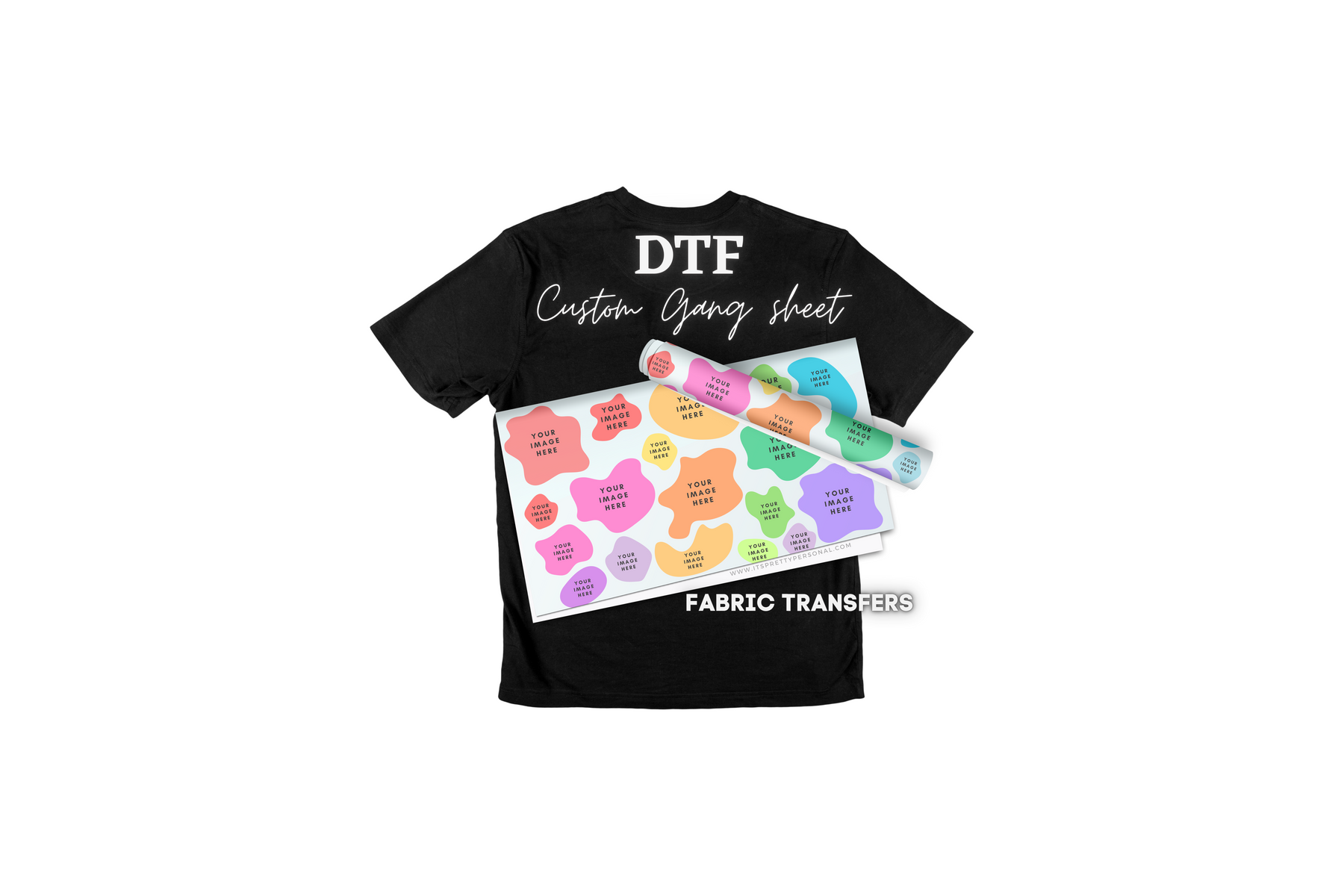
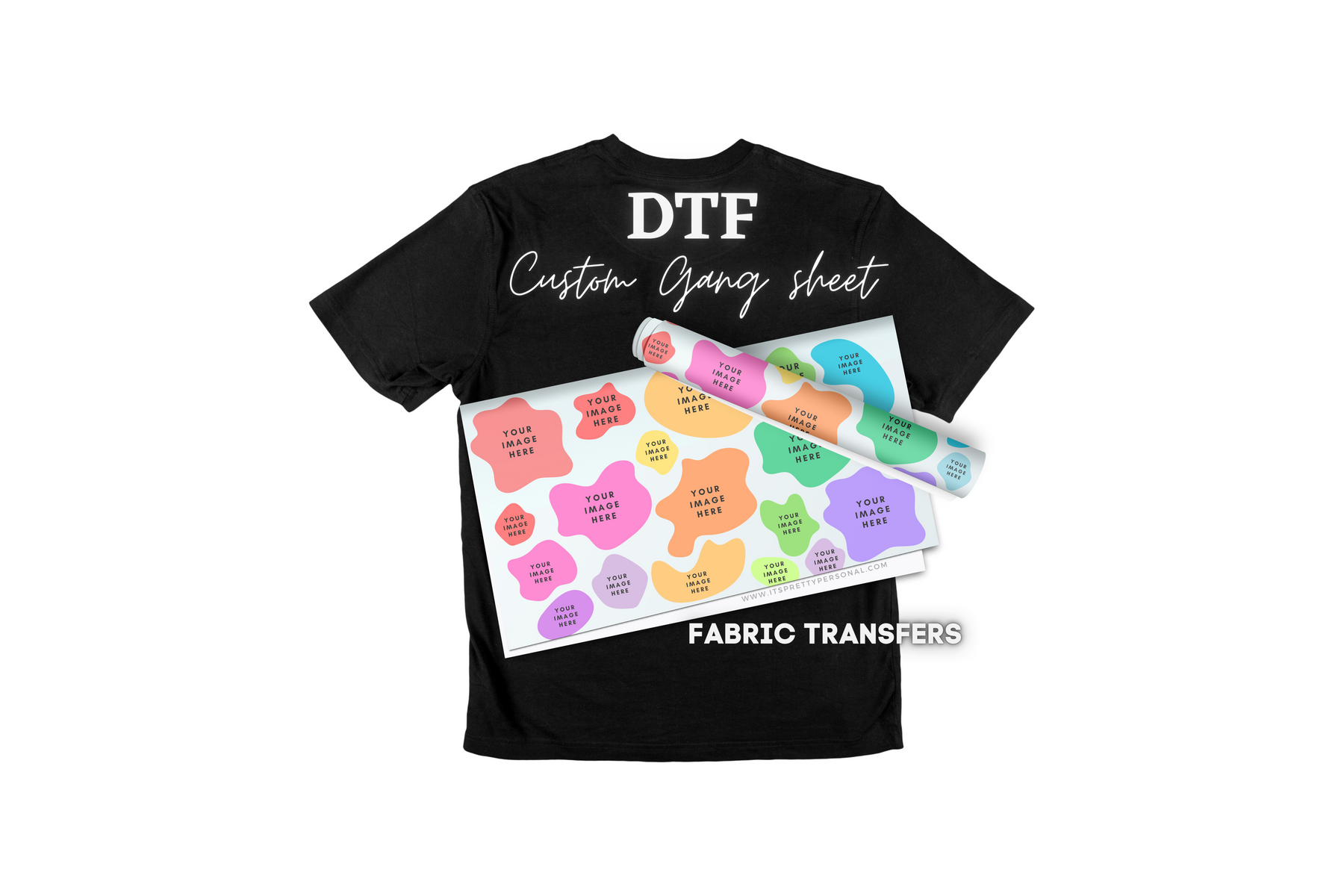
Custom DTF Gang Sheet- Design Your Own! (Fabric DTF prints, NOT UV Decal)



EASY HOW-TO VIDEO:
https://youtu.be/IKKuuTxPHQQ?si=ozFfUBIrosHG8yVg
No more weeding vinyl, no more messy screens! Direct to Film DTF transfers will transform your shirt making business and add time back into your day!
Turn around time for custom printing, 3-5 business days. (not including shipping time)
Upgrading your shipping will NOT change the process time on your custom print order.
Custom Direct to Film (DTF) Transfers are digital heat transfers that allow for vivid, full-color transfer printing using eco-friendly water based ink to create a heat transfer with so many possibilities.
WARNING!: Very thin lines/fonts and images that "fade" on the edges may have a difficult time printing and applying. You want solid images and lines to adhere the adhesive as good as possible. Font must be at least 4 pixels wide for printing. Images uploaded with very thin lines and lower pixels will not show when applying.
- Full-color graphic capabilities, including gradients, special effects, and photo-realistic artwork
- Highest-quality direct to film (dtf) transfer
- Superior vibrancy and rich color output
- Extremely versatile, can be applied to nearly any fabric
- Excellent stretchability and durability
-
DTF Transfer Application Instructions
- Preheat the garment for 15 seconds to remove excess moisture. Let the garment cool before adding the transfer. Make sure shirt is clear of all lint and dust before pressing. (A lint roller may work best!)
- Place the transfer on the shirt white side down, image facing up.
- Press at 325F for 15 seconds under very firm pressure.
- Remove the garment from the press and let it stand until it is warm enough to peel.
- Peel warm or cool. (NOT HOT)
- Cover the image with parchment paper and press again for 15 seconds. You can use a Teflon sheet, butcher paper, or tissue paper.
DTF Troubleshooting Tips- For the best DTF application results, please keep the following in mind:
- Check your heat press. Uneven or failing heat coils can cause areas of the transfer to not adhere properly.
- Use the recommended heat press. We recommend a clamshell-style heat press with adjustable pressure so you can achieve the firm, even pressure needed for a successful transfer.
- Check your garment material. DTF transfers are not recommended for every type of fabric. Avoid heat-sensitive or coated materials such as nylon, waterproof or water-resistant fabrics, PVC/vinyl materials, leather or faux leather, silk, and heavily coated fabrics. Extra caution should also be used with fabrics containing a high percentage of spandex or other heat-sensitive fibers.
Always check your garment manufacturer’s heat recommendations before pressing. Proper heat, pressure, time, and fabric compatibility are all important for a successful DTF application.
When uploading please make sure that your images meet the below criteria:
- Dimensions are exactly as listed.
- DO NOT MIRROR YOUR IMAGES FOR CUSTOM PRINTING.
- Recommended DPI: 300
- File Type: PNG
- uploading SVG files can result in an altered output image. (We are not responsible for an altered image output if a PNG file was not used for upload)
- Image should have a transparent background.
THE DESIGN WILL BE PRINTED EXACTLY AS IT WAS LOADED. IF THERE IS A BACKGROUND (SOLID COLOR BEHIND YOUR IMAGE) IT WILL PRINT. It is the customers responsibility to make sure that a file is large enough to avoid blurry printing images. - IPP is NOT RESPONSIBLE for poor quality images, as we print the exact files that are uploaded by the customer. It is the CUSTOMERS RESPONSIBILITY to upload the best quality images.
- Can be used for a single image or add multiple images as a gang sheet as long as it fits in the printed area.
Can be used on 100% cotton, 100% polyester, cotton/poly blends, triblends, mesh, canvas, Lycra®, and spandex.
We will not print Trademarked images. If you have the proper permission, written proof should be emailed to info@itsprettypersonal.com
-Why Your Images Should Be in CMYK Format for Printing
To ensure the best possible color accuracy in your printed project, we recommend uploading your custom images in CMYK color format.
CMYK stands for Cyan, Magenta, Yellow, and Key (Black) – the color model used in professional printing. This format reflects how colors are actually mixed on a physical printer.
On the other hand, RGB (Red, Green, Blue) is the color model used for digital screens. While RGB looks vibrant on phones and monitors, those same colors often can't be reproduced exactly in print. If you upload an RGB image, the colors may shift when we convert it to CMYK for printing, which can result in noticeable differences in your final product.
To avoid surprises:
-
Please upload your artwork or custom images in CMYK format.
-
If you're unsure how to convert your file, most design software (like Adobe Photoshop or Illustrator) offers easy CMYK conversion.
By uploading in CMYK, you help ensure your printed project turns out just the way you envision.
